Personal Portfolio Website

Overview
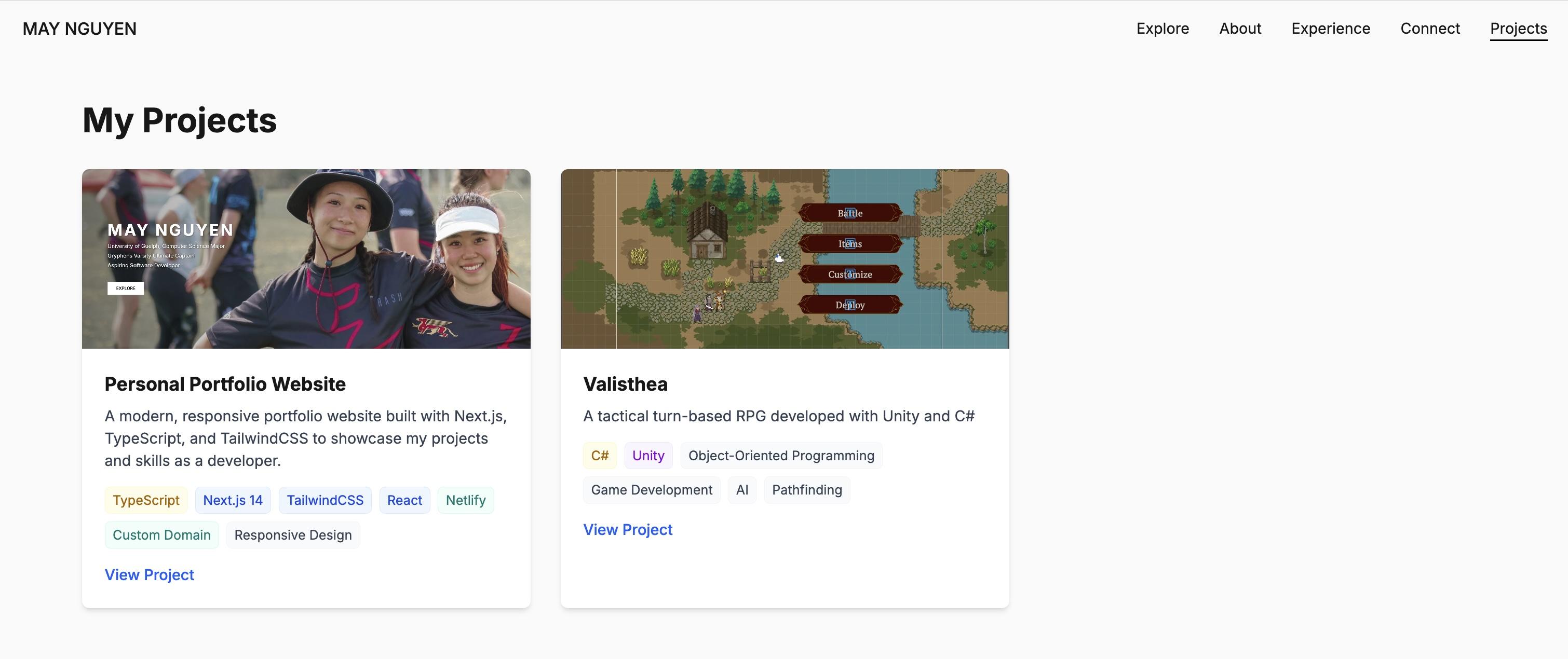
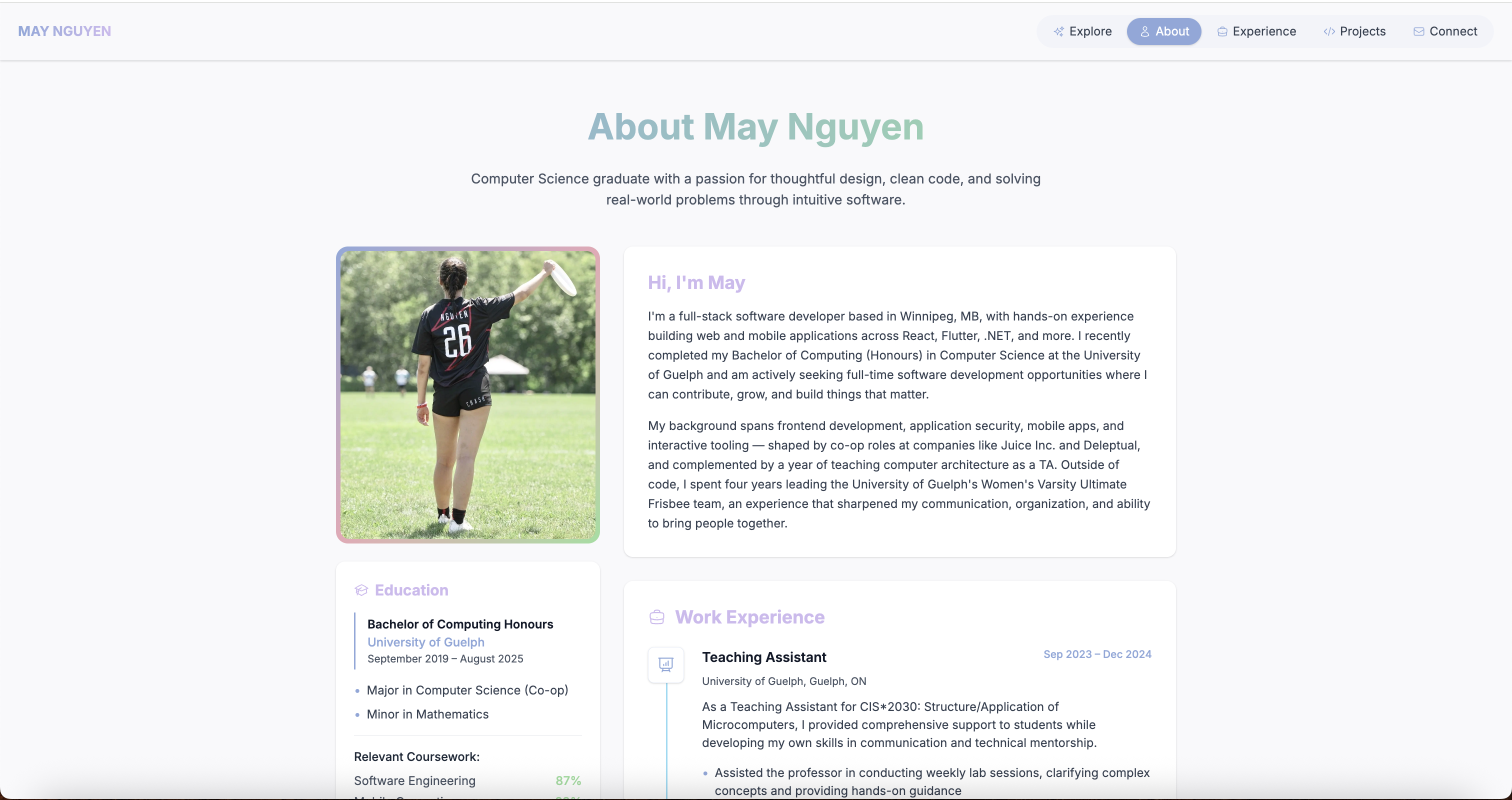
This portfolio website serves as a digital showcase of my skills, projects, and professional journey. I designed and developed it from scratch using Next.js 16 with the App Router, TypeScript, and TailwindCSS 4. The site features smooth page transitions powered by Framer Motion, dynamic background effects, and a clean component architecture with a clear separation between server and client components. I applied a data/UI separation pattern — keeping content in dedicated data files and shared utilities in a utils layer — to make the codebase easy to maintain and extend. The website includes sections for my bio, skills, experience, projects, and a contact form, and is fully responsive across all device sizes.
Challenges & Solutions
One of the main challenges was managing the boundary between server and client components in Next.js 16's App Router — particularly when integrating Framer Motion animations, which require client-side rendering. I solved this by extracting a dedicated PageTransition client component rather than marking the entire layout as a client component. Keeping the design system consistent required centralizing shared animation variants and utility functions rather than duplicating logic across components. I also worked to eliminate dead code accumulated over iterations of the site and refactor larger page components into focused subcomponents.
What I Learned
- 1Deepened my understanding of Next.js 16's App Router and the server/client component boundary
- 2Practiced extracting reusable client components to keep layouts server-rendered where possible
- 3Applied a data/UI separation pattern to keep components clean and content easy to update
- 4Strengthened my TypeScript skills through strongly-typed components and shared data structures
- 5Used TailwindCSS 4 utility classes consistently, replacing inline styles throughout the codebase
- 6Configured SEO metadata at the layout level for better search visibility
- 7Set up continuous deployment via Netlify with automatic deploys on every push to main
Deployment Process
The site is deployed on Netlify, connected directly to the GitHub repository for continuous deployment. Every push to main triggers an automatic build and deploy, so the live site always reflects the latest changes. I configured the build command as 'npm run build' with Turbopack for faster local development, and set up the custom domain maynguyen.ca with DNS pointing to the Netlify deployment. Netlify's deploy preview feature lets me review changes on a staging URL before they go live.
Project Details
Technologies
Frontend
Cloud
Other
Links
Gallery Preview
Project Gallery
Personal Portfolio Website - View 1
Personal Portfolio Website - View 2